Today, people use apps for almost everything. We use them to learn, shop, work, pay bills, book services, and stay connected.
People like apps that are fast, simple, and easy to use. Nobody wants an app that is confusing or takes too many steps to complete a task.
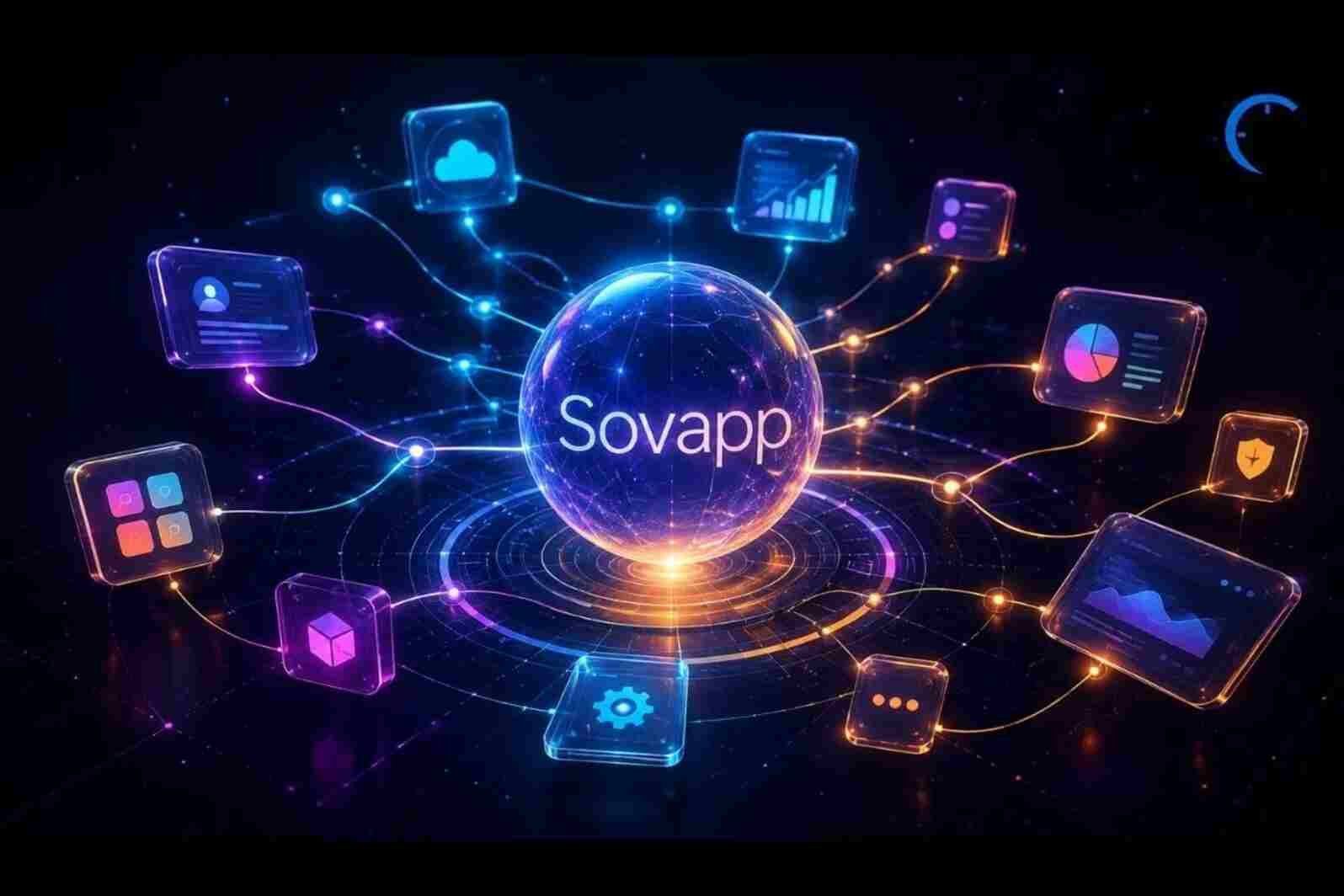
SovApp is a term sometimes linked with smart app technology and modern digital experiences. However, there is no verified information that confirms SovApp as a specific app, company, or official software product.
Instead, SovApp can be viewed as a concept related to intelligent applications that focus on simplicity, automation, and convenience.
In this article, you’ll learn what SovApp may mean, how smart apps work, their benefits, challenges, and why user-friendly app design matters.
What Is SovApp?
SovApp is an uncommon term with no clear or officially confirmed definition.
There is currently no verified information showing that SovApp is a specific app, software platform, or technology company.
The name may be used in discussions about modern applications and digital solutions. Because of this, SovApp can be understood as a general idea connected to smart and easy-to-use apps.
The focus is on helping users complete tasks quickly without unnecessary complications.
Since there is no confirmed product information available, users should not assume SovApp is an official application.
What Does SovApp Mean in Smart App Technology?
SovApp may represent the idea of applications that make everyday tasks easier.
Modern apps are designed to save time and improve user experience. They often use technologies that help people find information, manage tasks, and access services quickly.
Good smart apps usually aim to provide:
- Simple navigation
- Fast performance
- Helpful suggestions
- Automated tasks
- Personalised settings
- Easy access to information
- Secure data handling
These are common goals of modern app design and not confirmed features of SovApp itself.
How Smart Apps Work:
Artificial Intelligence
Many modern apps use artificial intelligence to assist users.
AI can:
- Answer questions
- Suggest information
- Summarise content
- Recommend options
- Help complete tasks faster
For example, an AI tool may summarise a long document so users can understand it quickly.
While AI can be helpful, users should always check important information for accuracy.
Automation
Automation allows apps to perform tasks automatically.
Examples include:
- Appointment reminders
- Payment alerts
- Order updates
- Calendar notifications
Automation reduces repetitive work and saves time.
Personalisation
Personalisation helps apps match user preferences.
Users may be able to:
- Choose a language
- Save favourite items
- Select notification settings
- Receive personalised suggestions
These features make apps more useful and comfortable to use.
Cloud Technology
Cloud services allow users to access information from different devices.
For example, a file saved on a phone can also be opened on a computer.
Cloud technology helps with:
- Data storage
- Backups
- File sharing
- Device synchronisation
Smart Recommendations
Many apps provide recommendations based on user activity.
Examples include:
- Music suggestions
- Product recommendations
- Content recommendations
These suggestions can help users discover useful options more quickly.
Features of a User-Friendly App:
Simple Design
A good app should be easy to understand.
Clear menus, readable text, and organised layouts help users find what they need without confusion.
Easy Navigation
Users should be able to move between sections easily.
Important features should be easy to access without opening many screens.
Fast Performance
People expect apps to load quickly.
Slow apps can frustrate users and reduce trust.
Useful Notifications
Notifications can remind users about important updates.
Examples include:
- Messages
- Appointments
- Deliveries
- Account activity
Users should also have the option to control notifications.
Multi-Device Support
A good app should work smoothly on supported phones, tablets, and computers.
This creates a better and more consistent experience.
How Smart Apps Create Better Digital Experiences:
Modern users want digital services that are quick and simple.
Smart apps improve the experience by helping users complete tasks more efficiently.
Fewer Steps
The best apps reduce unnecessary actions.
Users can complete tasks faster with clear menus and simple processes.
Easy Access to Information
Apps often organise information into categories and searchable sections.
This helps users find what they need quickly.
Consistent Experience
A consistent design makes apps easier to learn and use.
Buttons, menus, and settings should work in a familiar way throughout the app.
Less Confusion
Clear instructions and helpful messages improve usability.
Users should always know what action to take next.
Common Uses of Smart Applications:
Education
Educational apps help students:
- Access lessons
- Practise skills
- Track progress
- Review study materials
These tools can make learning more flexible and convenient.
Healthcare
Healthcare apps may help users:
- Book appointments
- View reports
- Track health information
- Receive reminders
Users should always rely on qualified healthcare professionals for important medical advice.
Online Shopping
Shopping apps allow users to:
- Browse products
- Compare prices
- Place orders
- Track deliveries
They make buying products faster and more convenient.
Banking
Banking apps help people:
- Check balances
- Transfer money
- Pay bills
- Review transactions
Strong security is essential for financial apps.
Travel
Travel apps help users:
- Book hotels
- Manage reservations
- Plan trips
- Check travel information
They help make travel planning easier.
Business and Productivity
Business apps support:
- Task management
- Team communication
- Project organisation
- Workflow tracking
These tools can improve productivity and teamwork.
Benefits of Smart Applications:
Saves Time
Apps help users complete tasks quickly without visiting physical locations.
Improves Convenience
Many services are available anytime and from almost anywhere.
Better Organisation
Apps help store information in one place, making it easier to manage tasks and schedules.
Personalised Experience
Users can customise settings according to their needs and preferences.
Better Accessibility
Many apps include features such as:
- Larger text
- Voice commands
- Screen reader support
- Simple controls
These features help more people use digital services comfortably.
Challenges of Smart Apps:
Privacy Concerns
Some apps collect personal information.
Users should review privacy settings and understand how their data is used.
Security Risks
Apps can face security threats such as hacking or data breaches.
Using trusted apps and keeping them updated can improve safety.
Internet Dependence
Some apps require a stable internet connection to work properly.
This may be challenging in areas with poor network coverage.
Technical Problems
Apps may sometimes crash, freeze, or fail to load correctly.
Regular updates and maintenance help reduce these issues.
Too Much Automation
Automation is useful, but users should still have control over important actions and settings.
Things to Check Before Using an Unknown App:
Before downloading or using an unfamiliar app, check:
- The official website
- Developer information
- App store listing
- Privacy policy
- App permissions
- User reviews
- Contact details
Taking these steps can help protect your information and improve online safety.
Is SovApp a Real App?
At the moment, there is not enough reliable information to confirm SovApp as an official app, software platform, or technology company.
No verified developer details, feature list, or official product information are currently available.
Because of this, SovApp should be treated as an unverified term rather than a confirmed application.
If a verified SovApp platform appears in the future, users should check official sources before using it.
The Future of Smart Apps:
Technology continues to improve every year.
Future apps may offer:
- Better AI tools
- Faster performance
- More automation
- Improved accessibility
- Stronger privacy controls
- Better cloud connectivity
However, the most successful apps will remain simple, useful, and easy to understand.
Final Thoughts:
SovApp is a term with no confirmed product identity at this time. While it cannot currently be verified as an official application, it can be discussed as a concept related to smart app technology and digital experiences.
Modern applications use tools like AI, automation, cloud services, and personalisation to make everyday tasks easier. The best apps focus on simplicity, security, speed, and user satisfaction.
As technology continues to grow, user-friendly and trustworthy apps will remain the key to a better digital experience.
Explore more interesting topics, useful insights, and the latest digital trends on Our Better Class.